
In short: Ecuhawk writes one self-contained HTML file per test run that opens in any browser without internet. It shows the overall verdict, a summary table, and for each test the requirement ID, measured values with limits and PASS or FAIL, the step timeline, interactive plots and the log. It can be saved as PDF, and the full data is saved as JSON.
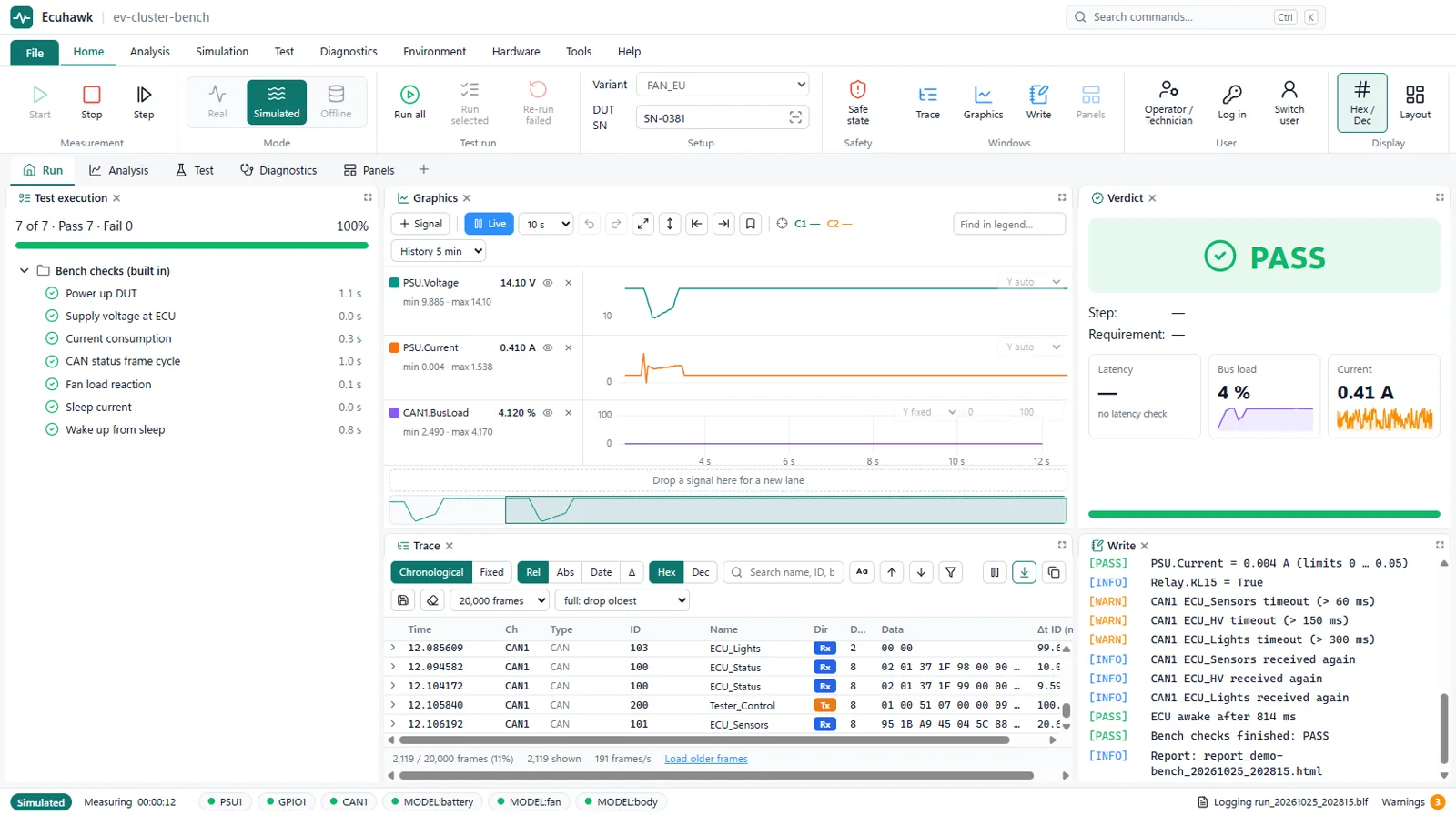
What is in every report
- Header: project, run title, date, bench mode and a large PASS or FAIL.
- Summary: every test with its verdict, duration and number of measurements.
- Overview plot: the main signals over the whole run, with the time of each check shaded green or red.
- Per test: requirement ID, measured values against their limits with PASS or FAIL and time, the steps with timestamps, and the messages from the run.
- Interactive plots: limits drawn as dashed lines and measured values as points. Drag to zoom, double-click to reset.
- Measurement setup: time base and the models used, so the run can be repeated.
Formats
- HTML: one file, no internet needed, easy to email or archive.
- PDF: saved from the same report for formal records.
- JSON: all results and measurements, for dashboards, databases or your own tools.
- Logs: the bus recording in BLF, ASC or MF4, and CSV export of any signals from offline analysis.
Analysing results
- The reports window lists every run, so you can open and compare past results.
- Open the recording of a failed run in offline analysis, with the same trace, graphs and statistics, and go straight to the moment of failure.
- AI failure explanation (in development): the AI reads the trace around a failed check and explains the likely cause in plain words.
- Compare runs (planned): overlay a failing and a passing recording to see where they differ.
Questions
What format are Ecuhawk test reports in?
HTML that opens in any browser without internet, with a PDF version for formal records and the full data as JSON.
Do reports show measured values and limits?
Yes. Each check shows the measured value, its limits, PASS or FAIL and when it happened, plus plots with the limits drawn in.
Can I trace results back to requirements?
Yes. Each test can carry a requirement ID, which appears in the report.
Can I use the results in my own tools?
Yes. Every run is also saved as JSON, and signals can be exported as CSV.