
In short: Ecuhawk has two modes. Engineer mode is the full workspace for building tests, panels and diagnostics. Operator mode is a locked, simple screen for production lines, service stations and workshops, protected by a password switch.
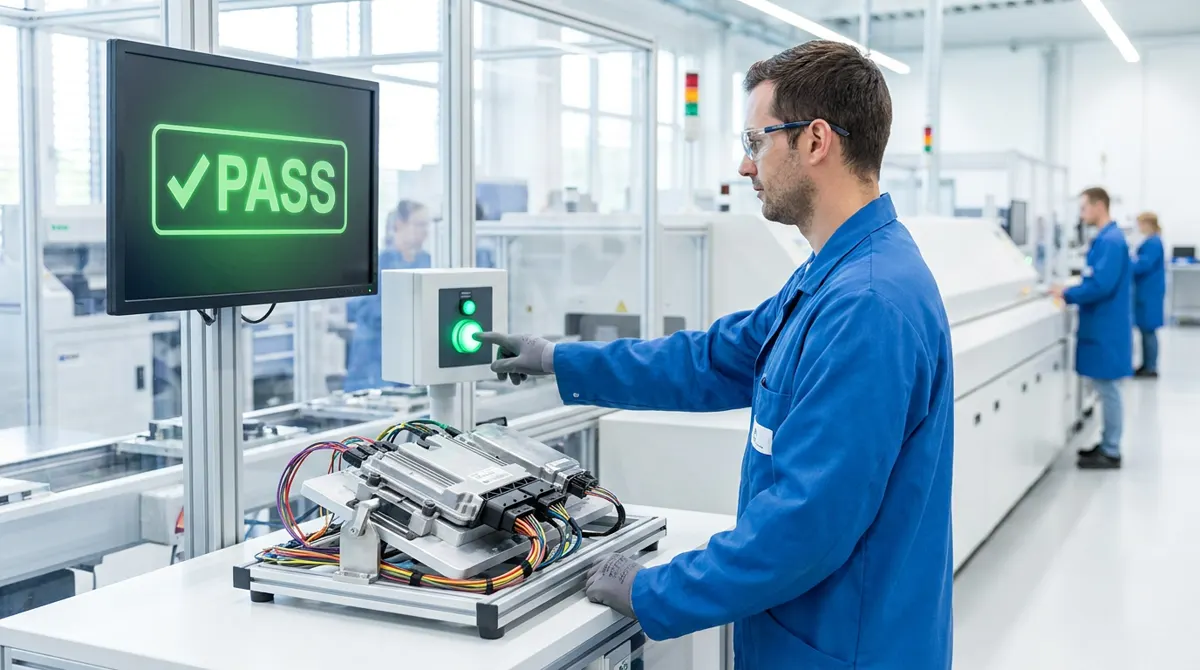
The problem
Most ECU test tools are built for engineers. When the same test moves to a production line or a service centre, the operator sees a screen full of traces and settings. Every failure becomes a phone call to an engineer, and a wrong click can change a limit.
What operators see
- One large Start button and the station name.
- A serial number or barcode field.
- Step-by-step prompts such as "Connect the harness" or "Check that the lamp is on: Yes / No".
- A full-screen PASS or FAIL with a plain-language reason and what to do next.
- The report saved automatically, ready to print or share.
What engineers control
- Which tests and panels are visible in operator mode.
- Limits, parameters and instructions, locked for operators.
- A password-protected switch back to engineer mode.
- Kiosk mode that keeps the station screen in front.
Questions
Can non-technical staff run ECU tests?
Yes. In Ecuhawk operator mode they press Start, follow guided prompts and read a clear PASS or FAIL. They cannot change tests or limits.
Is operator mode suitable for end-of-line testing?
Yes. It is designed for production and service stations, with serial number entry, automatic reports and a locked kiosk screen.
How do engineers switch back to the full workspace?
Through a password-protected switch to engineer mode.