In short: Ecuhawk combines bench control (power supply, relays, I/O), bus and UDS checks, and an operator mode in one app, which is what an end-of-line or service tester needs. Engineers build the sequence once and operators run it.
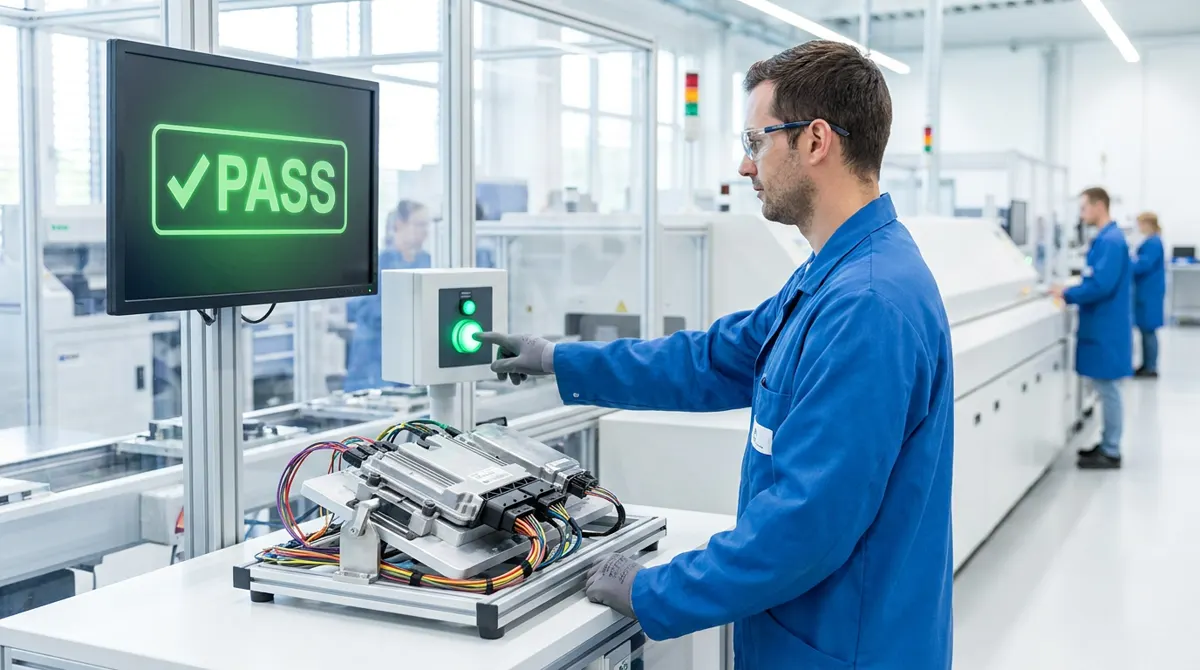
A typical station sequence
- Operator scans the serial number and presses Start.
- Power supply set to 13.5 V, KL30 and KL15 switched on through relays.
- Current draw checked against limits.
- Wake-up time and cyclic messages checked on CAN.
- Software version and fault memory read with UDS.
- Prompts for visual checks, for example warning lamps.
- PASS or FAIL shown full screen, report saved, outputs switched off safely.
Why teams use one tool for development and production
- The same signals, limits and diagnostic data from development are reused on the line.
- Fewer tools to license and maintain.
- Failures recorded with the trace, so engineers can see exactly what happened.
Questions
What do I need for an ECU end-of-line tester?
A PC, a CAN adapter, a programmable power supply, relays for KL30 and KL15, a test harness, and software that runs the sequence and shows PASS or FAIL. Ecuhawk covers the software side, including power supply and relay control.
Can operators without engineering skills run the station?
Yes. Operator mode shows only a Start button, guided prompts and the result.
Are reports saved for each unit?
Yes. Every run produces an HTML report, which can be saved as PDF, plus the data as JSON. The unit's serial number is stored with the run.