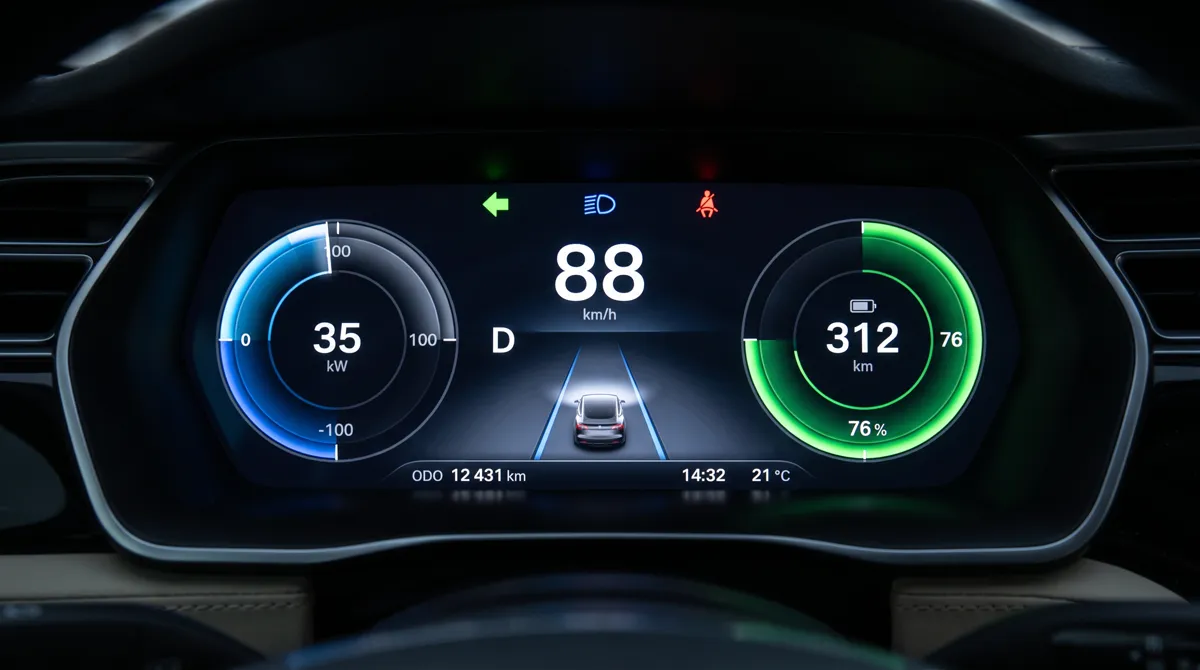
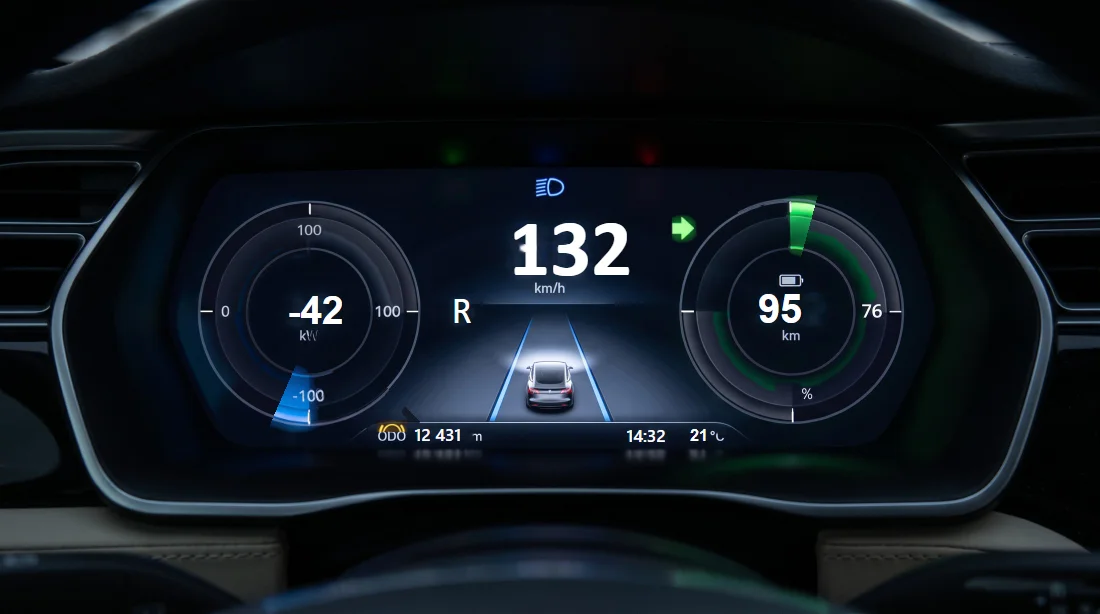
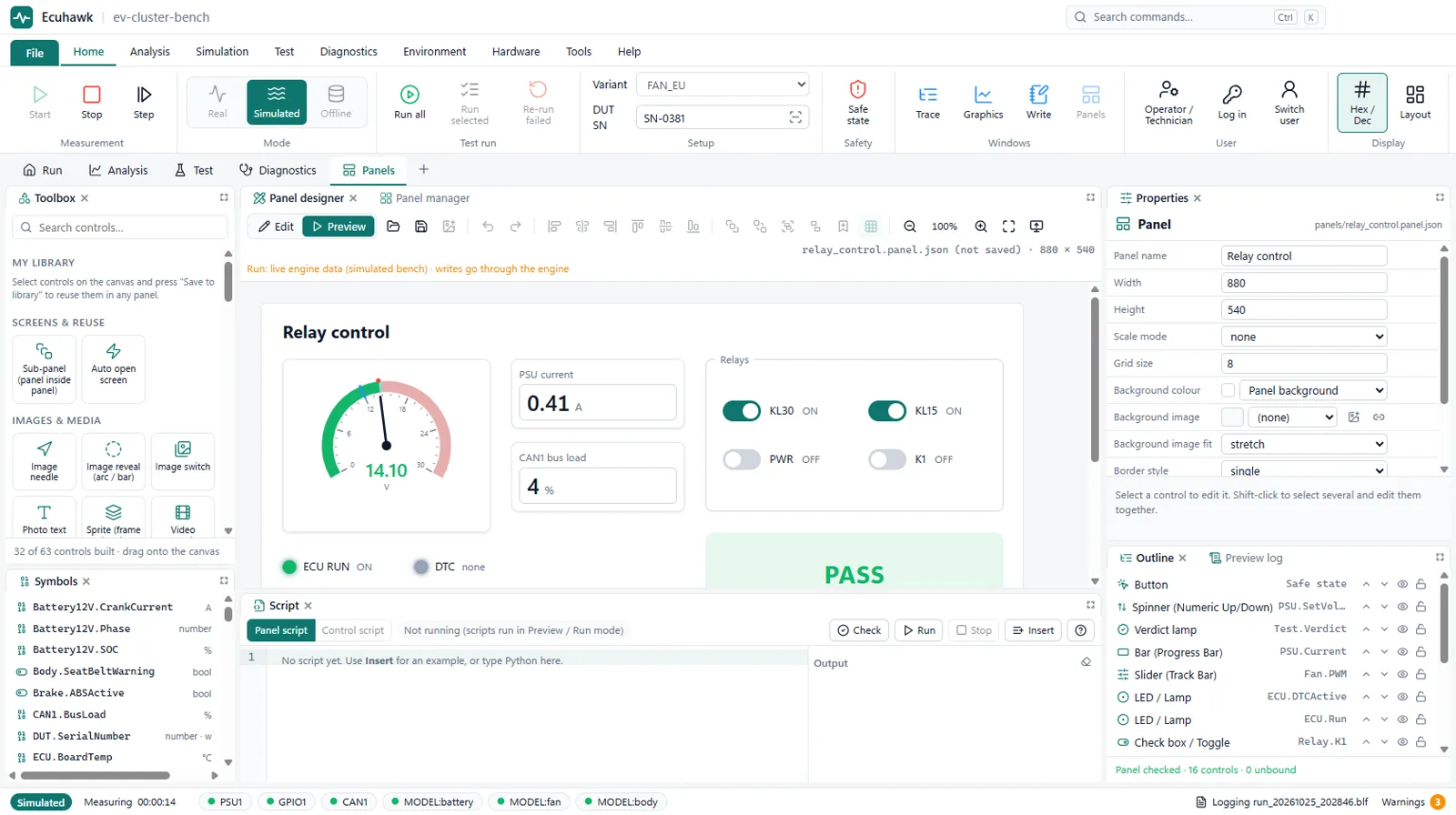
In short: Ecuhawk converts a picture of a real panel into an editable, signal-driven test panel. Needles, arcs, warning lamps and text fields become separate controls that you bind to CAN signals or bench variables.
Why this matters
Test panels usually have to be drawn by hand, gauge by gauge. For a cluster, a charger display or a custom control box, that can take days, and the result rarely looks like the real product. Starting from a photo gives you a realistic panel in minutes, which also makes demos and operator screens far clearer.
How it works
- Upload a photo or a design drawing.
- AI separates the clean artwork from the moving parts: needles, arcs, lamps and text.
- Each part becomes a normal panel control. Set its scale by clicking the minimum and maximum marks.
- Bind each control to a signal from your DBC or to a bench variable, then run.
The generated panel is marked as an AI draft until an engineer reviews it, so nothing unchecked reaches a test.
Questions
Can I make an instrument cluster test panel from a photo?
Yes. Ecuhawk rebuilds a photo of a cluster as a live panel with needles, arcs, lamps and text that you link to CAN signals.
What kinds of images work best?
A straight-on, well-lit photo or a design drawing works best. Clusters, HMI screens, control boxes and charger displays are all good candidates.
Can I edit the generated panel?
Yes. Every element is a normal panel control that you can move, resize, restyle and rebind, and you can add any of the 30+ standard controls.