
In short: In Ecuhawk, each bench device is described by a model file instead of custom driver code. AI can create that model from the device manual. Any number of devices from any brand can be used at once, and hard limits are checked before every write.
The problem with bench hardware today
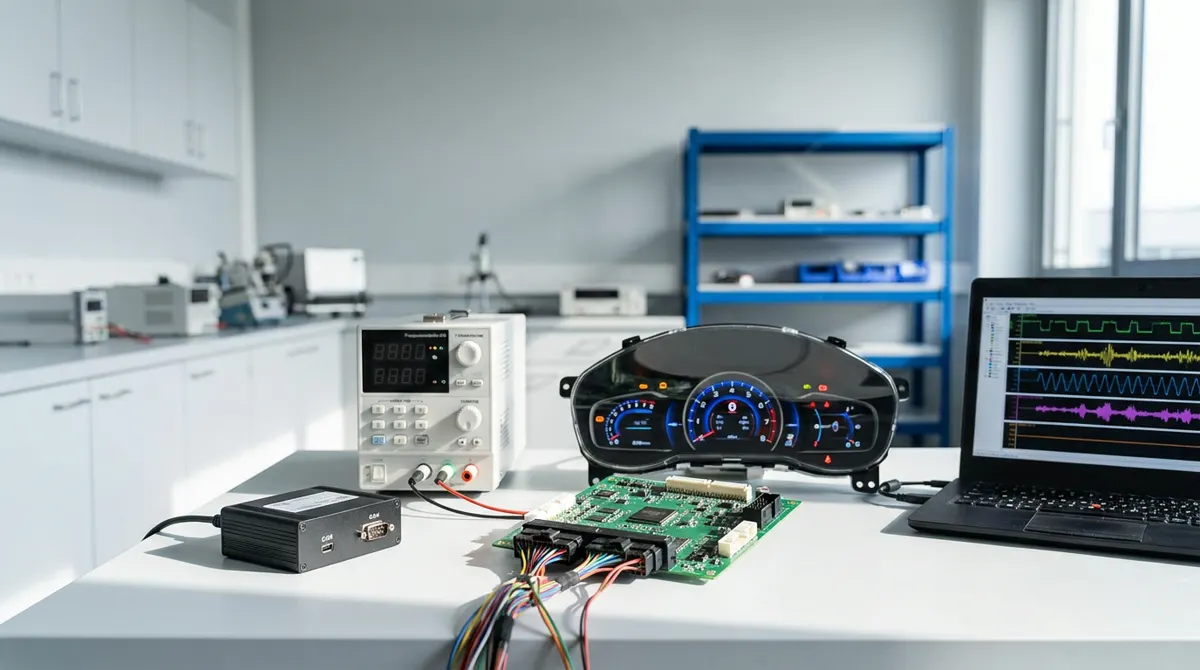
A typical ECU bench has a programmable power supply, sometimes an electronic load, relays for KL30 and KL15, and digital or analogue I/O. Every new device means reading its manual, writing communication code, handling errors and adding safety limits. Teams repeat this work for every bench and every brand.
How Ecuhawk handles hardware
- Generic by design: devices are added as model files, not new code. A model lists the connection (LAN, USB, serial), commands, readings, units and limits.
- AI model creation: upload the manual and Ecuhawk AI drafts the model for you to check. (In development.)
- Variables everywhere: every reading and setting becomes a variable you can show on a panel, use in a test or record in a log.
- Safety first: outputs are never switched on without confirmation, bench limits can only tighten project limits, and each device has a safe-off action.
Already proven on real lab hardware
Device control is running today on a bidirectional DC power supply and an electronic load over LAN using SCPI, and on CAN interfaces over USB. Supported connection types include LAN (raw socket and SCPI), USB and serial, with Modbus TCP and EtherCAT couplers on the roadmap.
Questions
Which power supplies does Ecuhawk support?
Any programmable power supply that can be controlled over LAN, USB or serial, for example with SCPI commands. Each brand is added as a model file, and Ecuhawk AI can draft that file from the manual.
Do I have to write driver code?
No. Devices are described by model files. You only check the generated model and set your bench limits.
How does Ecuhawk keep the bench safe?
The engine checks limits and interlocks before every write, asks for confirmation before switching outputs on, and moves to a safe state within about half a second if the software stops responding.